MotaWord + MyCase Translation Integration
Translate Legal Documents Without Leaving MyCase. Order certified translations or academic evaluation directly from your MyCase dashboard, with no switching tabs and no extra logins. Powered by MotaWord's network of professional legal translators.
Free digital certification with notarization.




Step-by-Step Guide: How It Works in 4 Simple Steps
Step 1: Activate the Integration
Get started by enabling the MotaWord integration. Connect MyCase to MotaWord. It takes just a few clicks to connect. Once it's active, translation services are instantly available across all your cases with no additional setup required.
Step 2: Find Your Documents
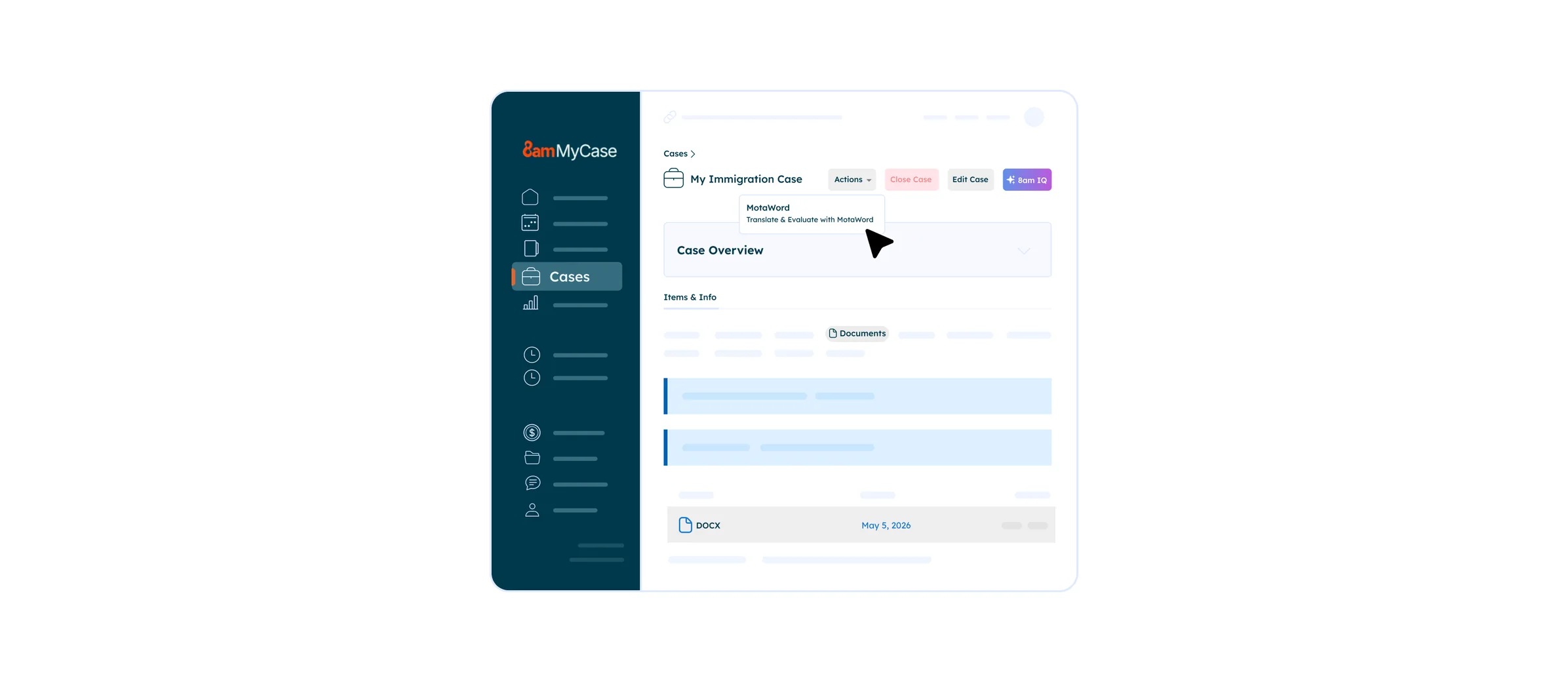
Navigate to the Cases menu and open the case you're working on. Click Translate & Evaluate with MotaWord under the Actions button. This will take you to the MotaWord integration page, where you can select the documents you'd like translated.
Step 3: Review Your Quote & Place Your Order
MotaWord will instantly generate a translation quote for your selected documents. Once you're happy with the quote, complete the payment and your translation gets underway immediately, with no waiting and no back-and-forth.
Step 4: Receive Your Translation
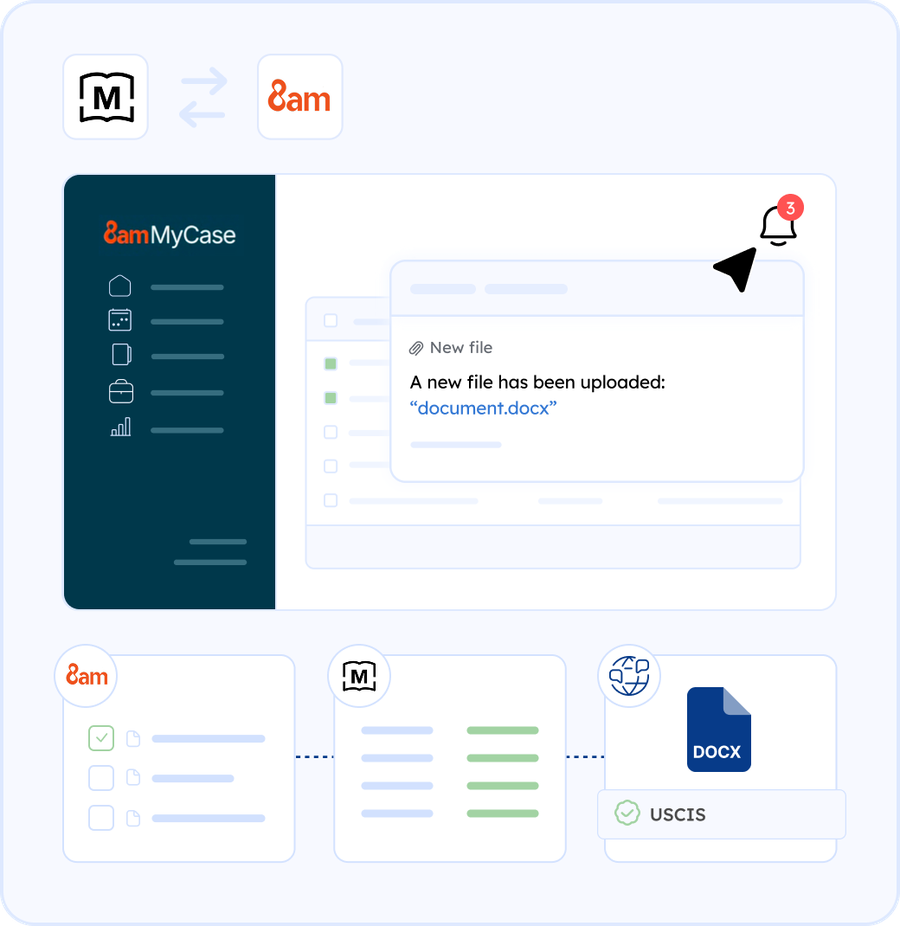
When your translation is complete, the translated document, along with any required certification, will be delivered automatically to the same folder as your original file, right inside MyCase. Everything stays organized, exactly where you expect it.
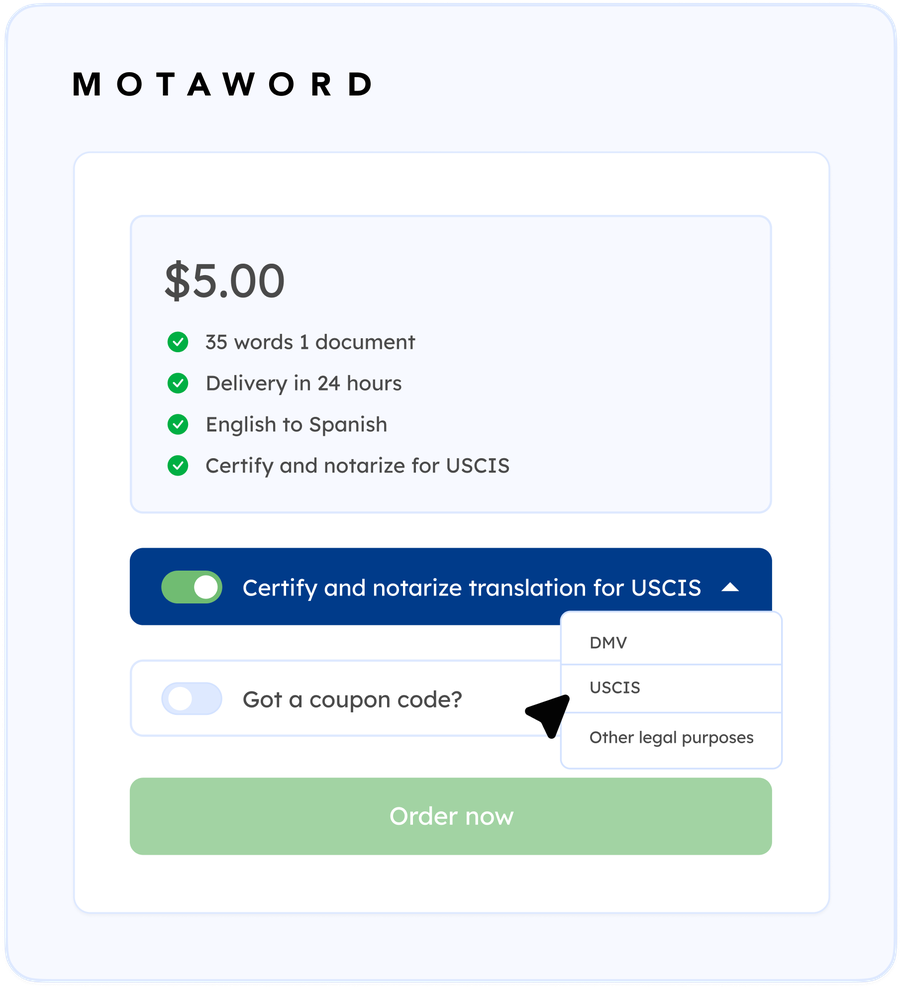
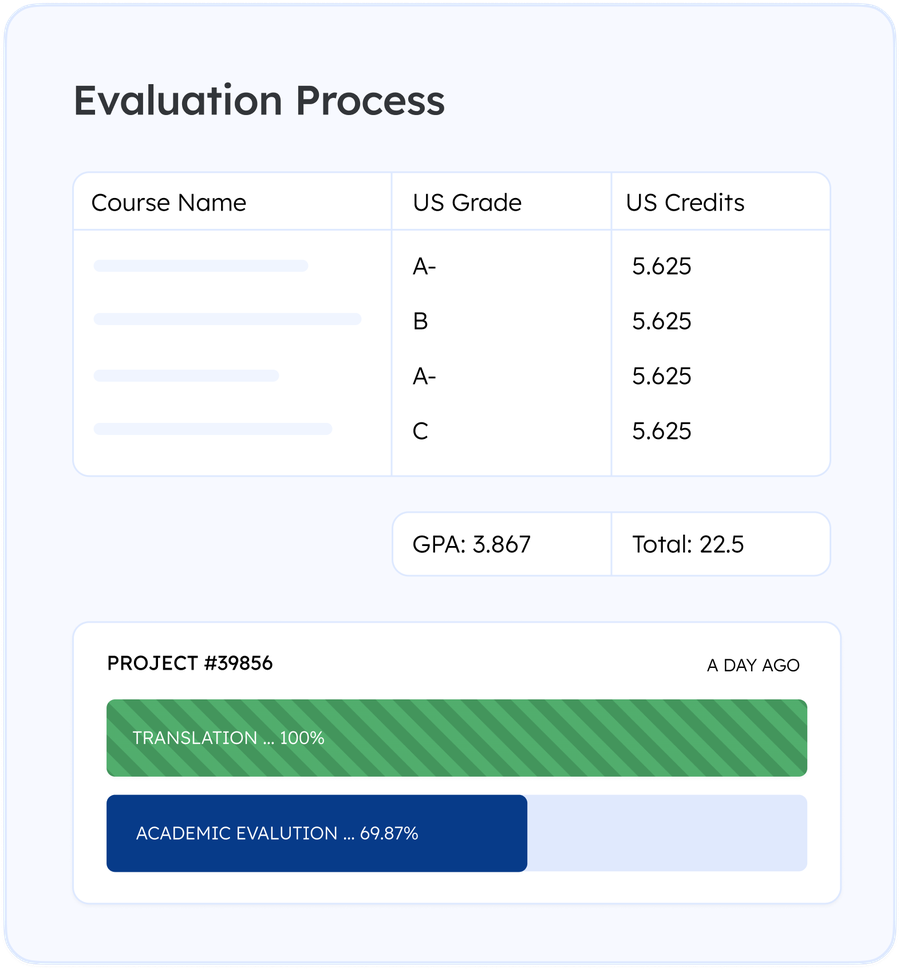
- Instant Translation Quote: Select the documents you want translated on your MyCase dashboard and receive a translation quote in seconds.
- Short Turnaround Times: Start your translation projects 24/7 and get your professionally translated documents within hours without any compromise in quality.
- Real-time, 24/7 support: Get help 24/7 from a real person on our team, ensuring your needs are met promptly.


